

Outdoor Security Camera | Stick Up Cam Elite
Regular price


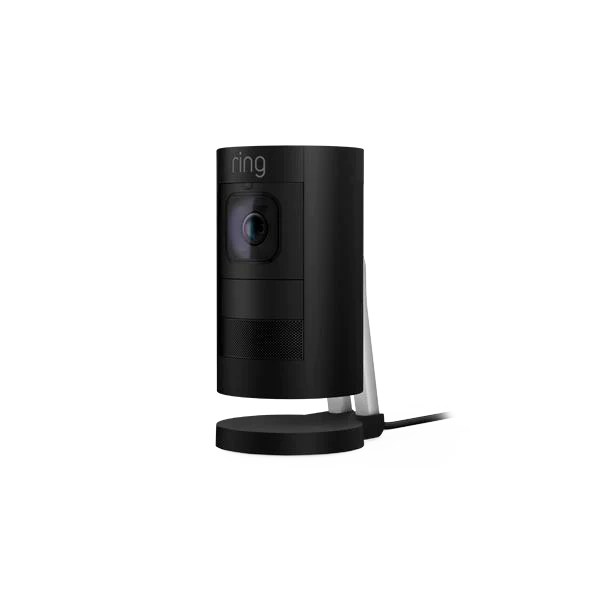

Outdoor Security Camera | Stick Up Cam Elite
Regular price
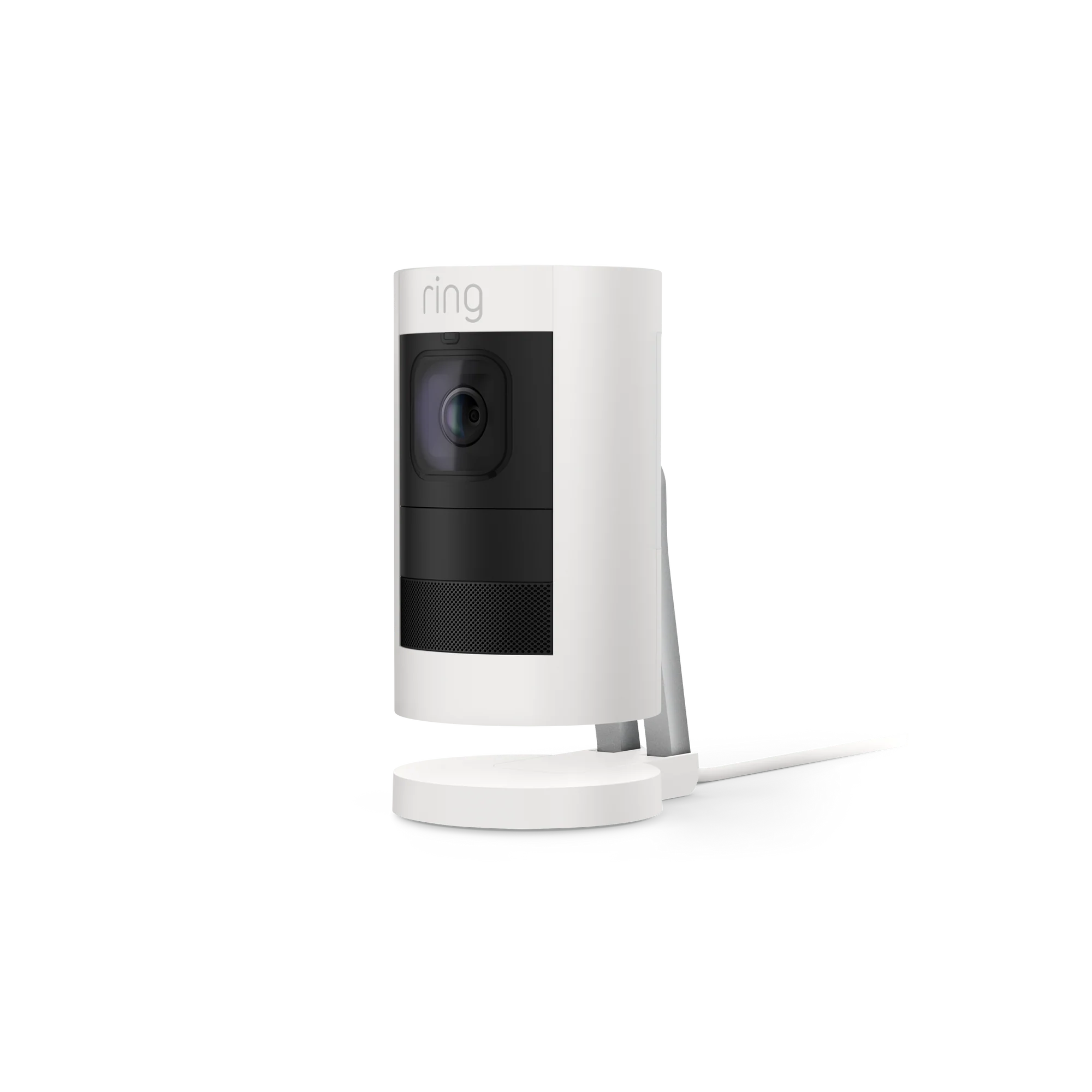
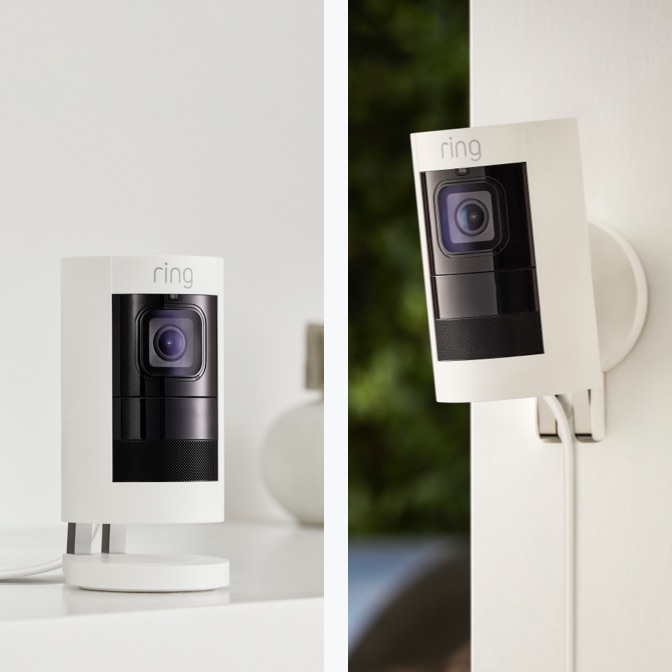
Enjoy non-stop power and outdoor protection with the versatile Stick Up Cam Elite. Power over Ethernet provides a more reliable connection so you'll never have to worry about wifi dead zones, or charging a battery. Place the versatile Stick Up Cam Elite on a flat or wall mount it to protect more outdoors.
* Includes a free 30-day Ring subscription trial.1
HD Video & Two-way Talk
Power Over Ethernet
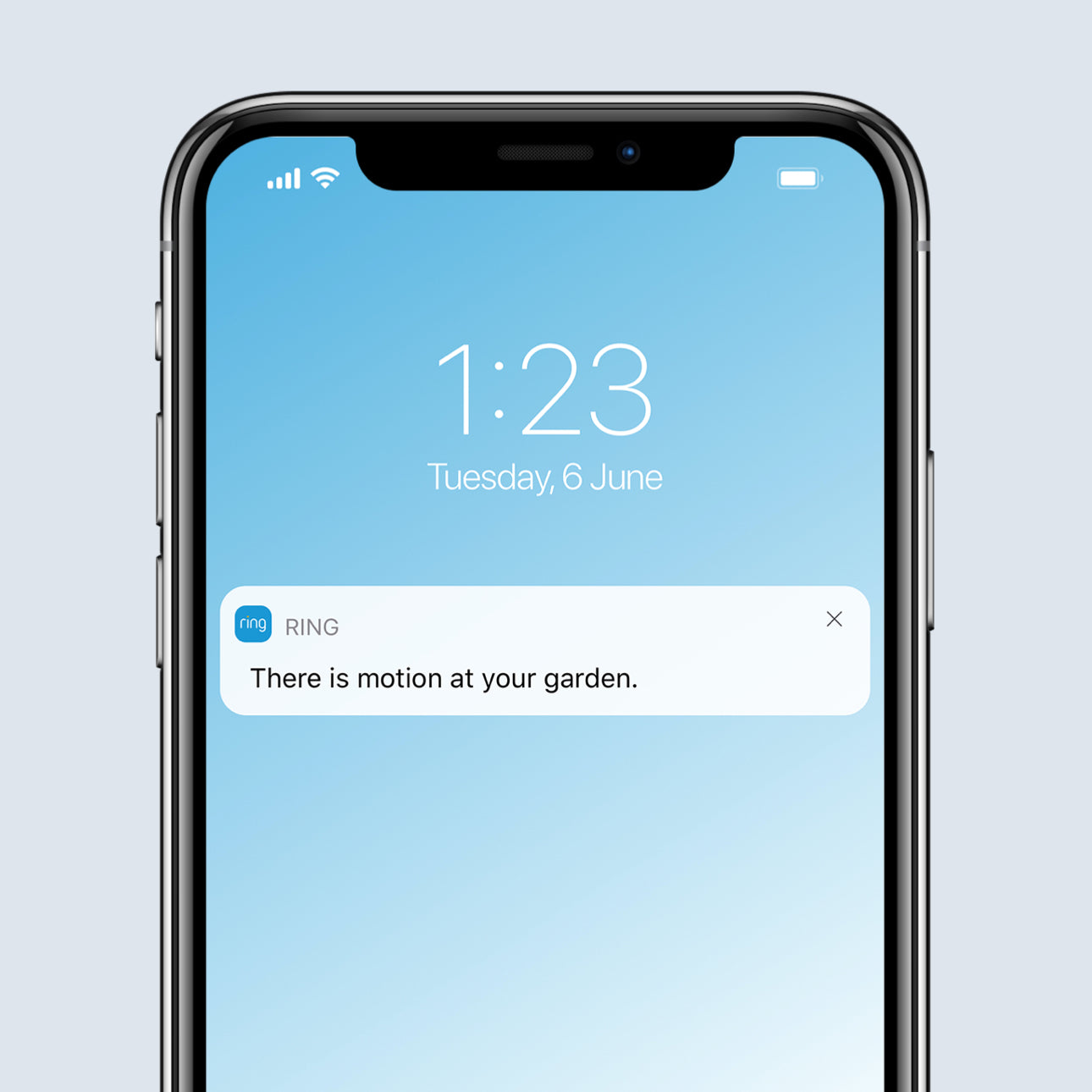
Motion-Activated Notifications
Night Vision
Easy Installation
Weather Resistant
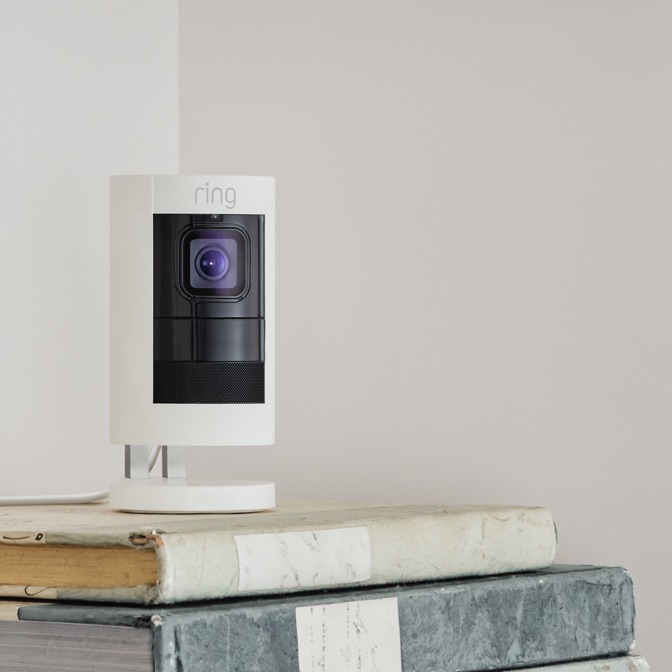
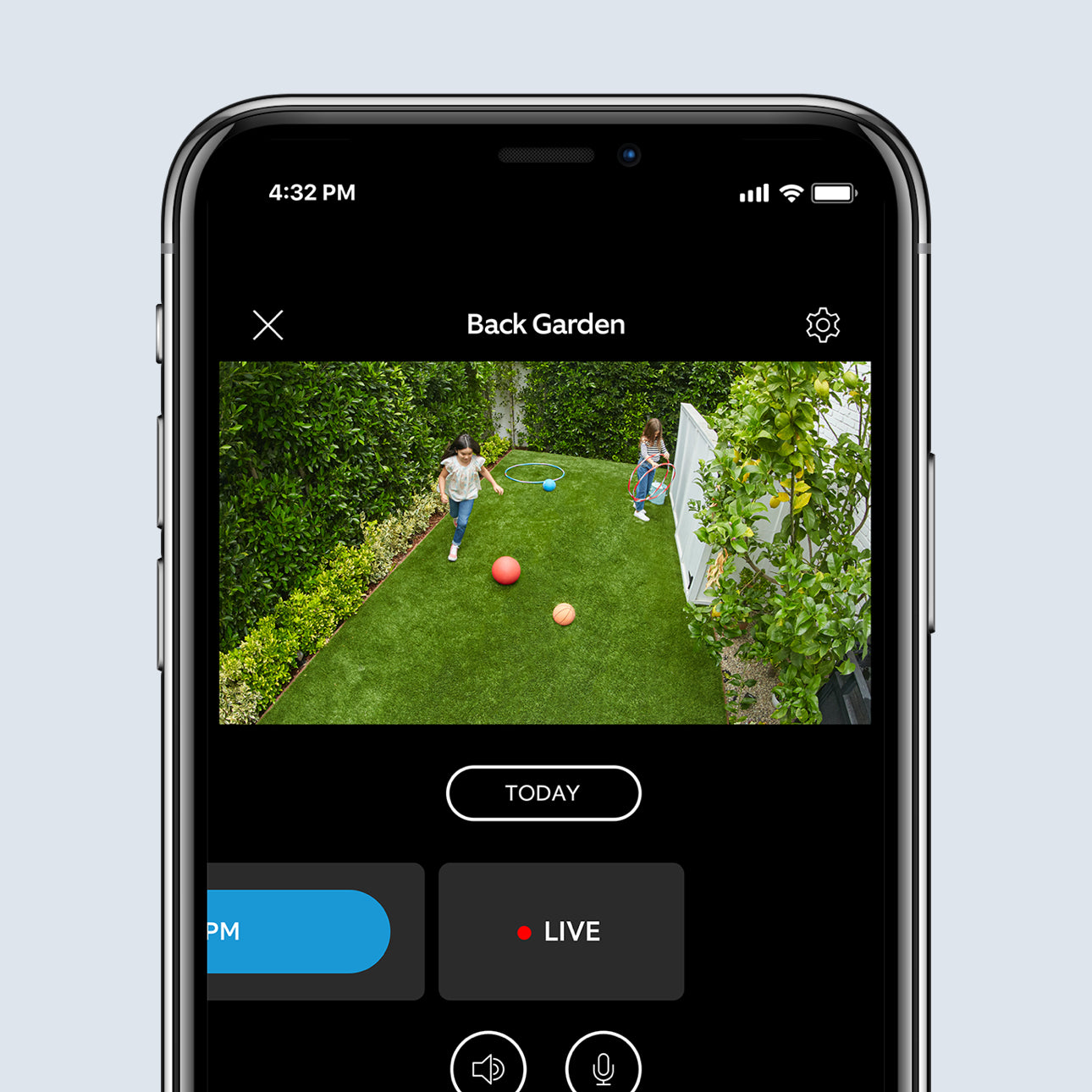
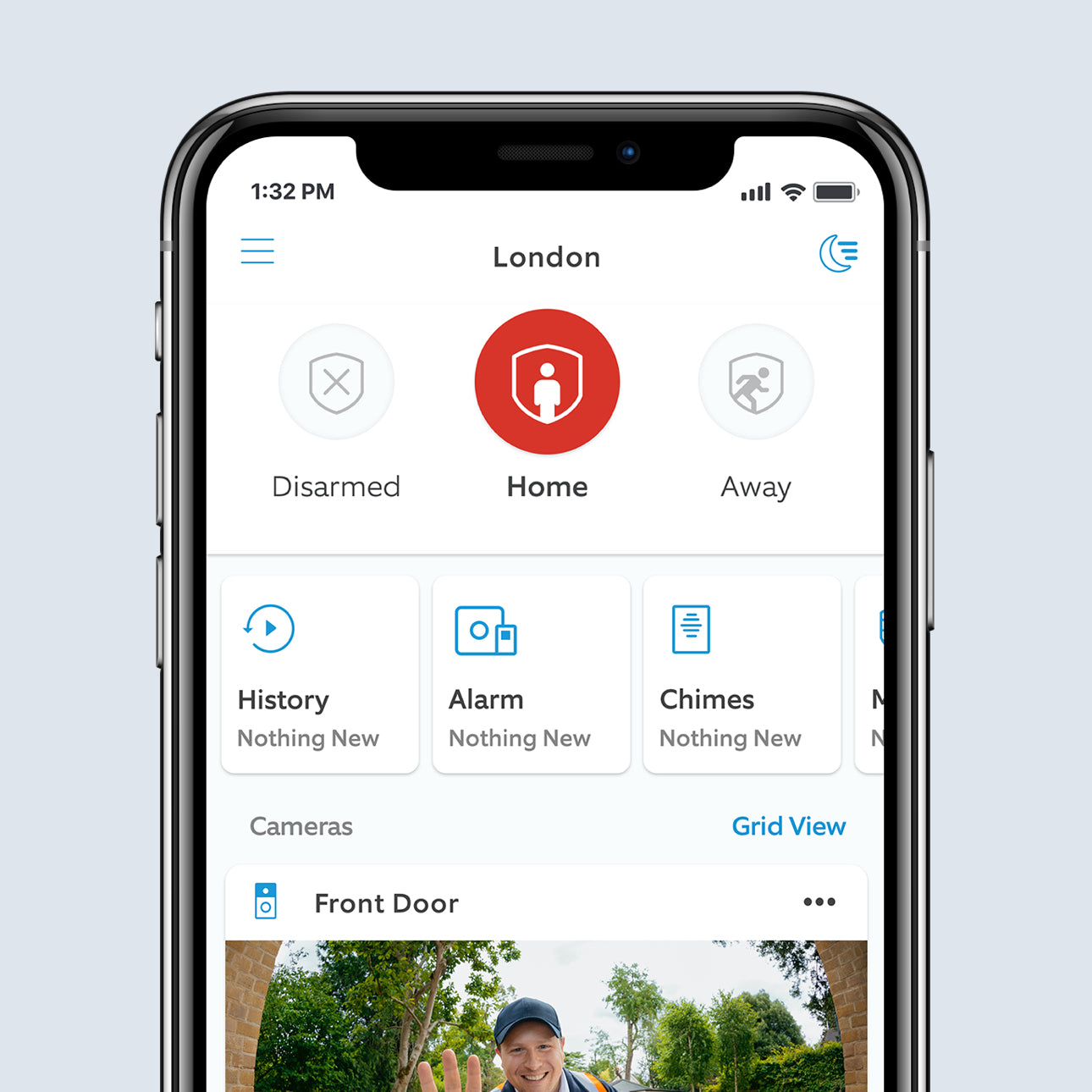
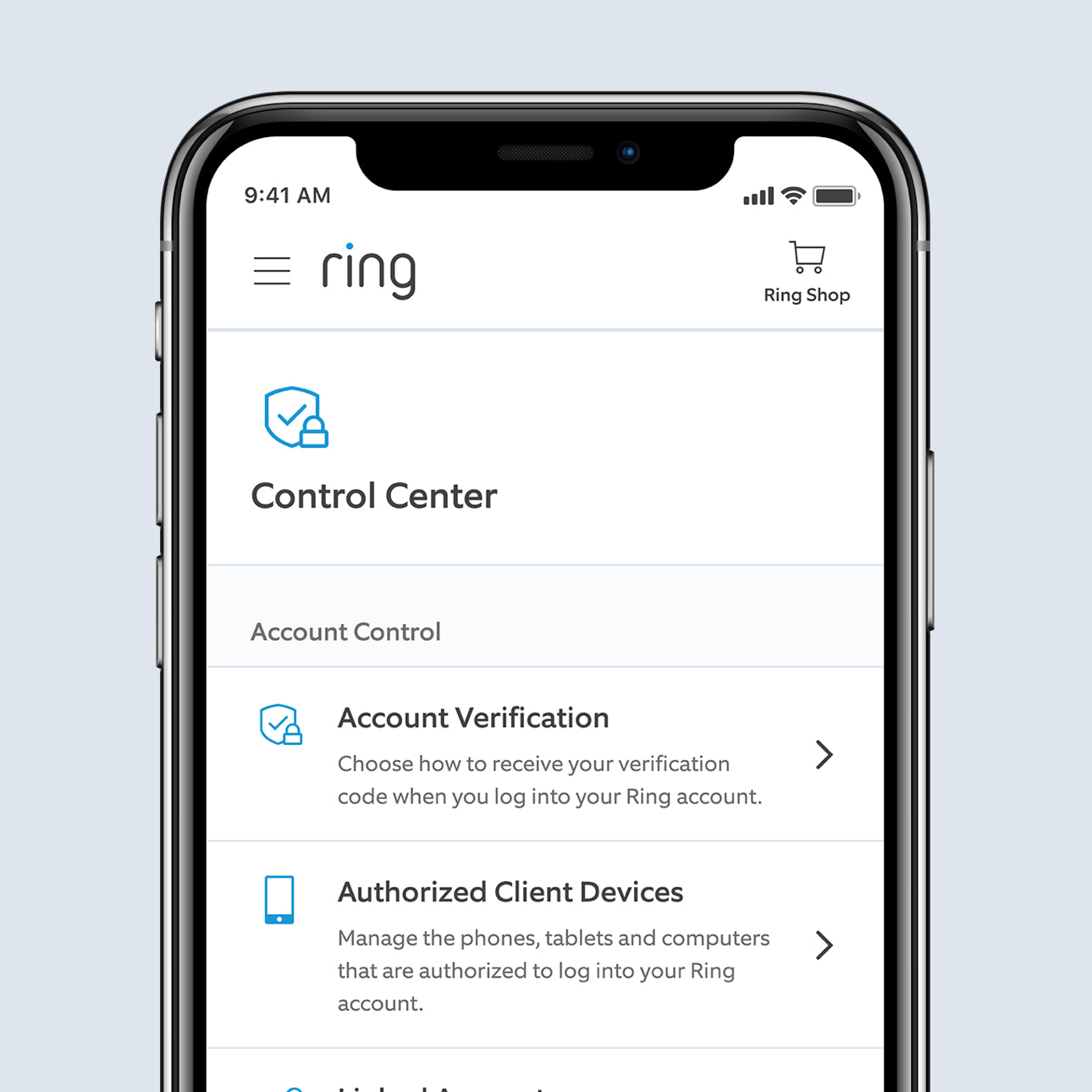
See more. Know more. Protect more.
Subscribe to a compatible Protect Plan to rewatch moments you missed, unlock intelligent features, access enhanced security features, and more - only pay for what you need.
Learn More
Up to 180 Days of Video Event History
Save, share and replay recorded videos of every doorbell ring, motion event, and Live View event for up to 180 days.
Video Descriptions
Get more details, faster, with intelligent text descriptions that explain what triggered a motion alert - no need to open the Ring app.
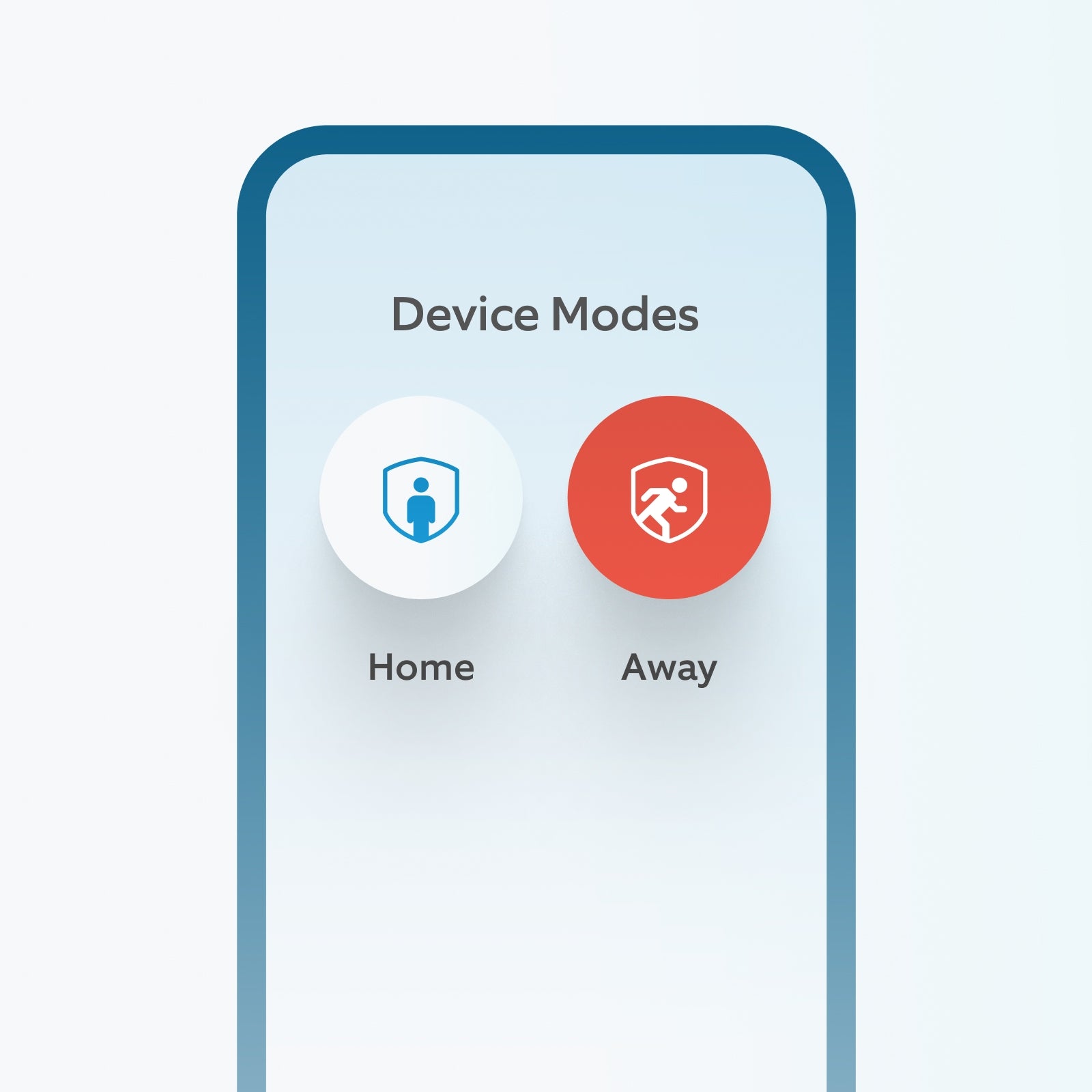
Device Modes
Customize when your cameras record, remotely Arm and Disarm your Ring Alarm, and more, all in the Ring app.
Single Event AlertBeta
Lots happening? We get it. Now your camera recognizes similar motion to send you one combined alert.



Build a smarter home
Connect your Ring Video Doorbell to compatible devices and Alexa to start protecting your whole home.
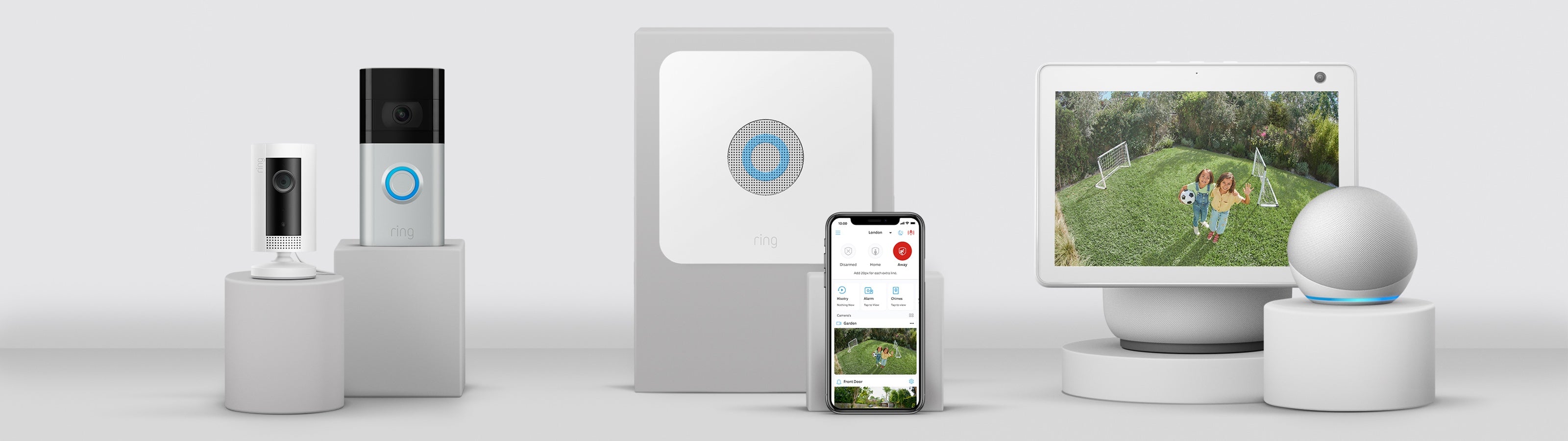

Connect your Ring of Security.
Link your Video Doorbell and all your Ring devices in the Ring app to make your security work better together, and control them all from your phone or tablet.

Protection at the touch of a button.
Arm and disarm your Ring Video Doorbells, Security Cameras and Alarm using the Modes feature, which lets you turn your smart security devices on and off with a single tap.

“Alexa, show me my back garden.”
Enjoy hands-free convenience with select Alexa-enabled devices. Hear custom notifications and use Two-Way Talk with Echo Dot, launch video with Echo Show and more.
Tech Specs
Size and Colour
9.7cm x 6cm x 6cm (without stand)
Black, White
Features
1080p HD, Live View, Colour Night Vision
Advanced Motion Detection, Customisable Motion Zones
150° horizontal, 85° vertical
Two-way audio with noise cancellation
Power and Connectivity
Micro USB (power supply and cable included, UK plug also included) or Power over Ethernet.
Use indoors with the included USB adaptor or outdoors using the included Power over Ethernet adaptor (adaptor to be installed within the home).
Recommended minimum upload speed of 2 Mbps per device
802.11 b/g/n Wi-Fi connection @ 2.4GHz
Installation
-20.5°C to 48.5°C, Weather Resistant
5-10 minutes
Integrated mounting base/stand with adjustable angle. Can sit freestanding or mount to a wall or ceiling.
General
Stick Up Cam Wired
Base Cover
Base Pad
Installation Tools and Hardware
Micro USB Power Supply and Cable
Power over Ethernet adapter and
6m Outdoor Ethernet cable
User Manual
Security Sticker
One-year limited warranty, and including theft protection. If you are a consumer, the limited warranty is in addition to your consumer rights, and does not jeopardise these rights in any way. This means you may still have additional rights at law even after the limited warranty has expired. Learn more here.
2nd generation Stick Up Cam, formerly known as Stick Up Cam Wired
Security
Learn more about these software security updates. If you already own this device, visit Software Security Updates in Ring Control Center for information specific to your device.
Frequently Asked Questions
What’s the difference between Stick Up Cam (Battery, Plug-in, Solar) and Stick Up Cam Elite?
The main difference between Stick Up Cam Battery, Stick Up Cam Plug-In, Stick Up Cam Solar and Stick Up Cam Elite is how they receive power.
Stick Up Cam Battery is powered by the Quick-Release Battery Pack. You can also use the Indoor/Outdoor Power Adapter (sold separately) to connect Stick Up Cam Battery to standard European plug sockets for non-stop power.
Stick Up Cam Plug-In is powered by an AC adapter that plugs into standard European power sockets. You can also purchase a Quick-Release Battery Pack (sold separately) for backup power.
Stick Up Cam Solar comes with a Solar Panel as well as a Quick-Release Battery Pack. The Solar Panel requires direct sunlight to keep your device charged. But with the Quick-Release Battery Pack, your camera will have backup power in case you don’t have enough sunlight.
Stick Up Cam Elite uses Power over Ethernet for non-stop power and a reliable connection. It comes with a PoE Adapter that must be placed indoors and plugged into your router in order to power up and connect your Stick Up Cam to the internet.
Another difference between the Stick Up Cams is the mounting bracket. Stick Up Cam Battery and Stick Up Cam Plug-In can be placed on flat surfaces or mounted to a wall, but you will need to purchase a Mount for Stick Up Cam (sold separately) if you’d like to install them on your ceiling or eaves. Stick Up Cam Elite, however, comes with a mounting bracket that lets you place it on walls, ceilings and flat surfaces, like a table or shelf, without the need to purchase any additional accessories.
What are the benefits of Power over Ethernet?
Power over Ethernet (PoE) provides a more reliable and consistent power connection to your Stick Up Cam Elite. With PoE, you’ll never have to worry about charging a battery, and it connects to your router via an ethernet cable, so you never have to worry about Wi-Fi dead spots or wireless interference. It’s our most reliable way to keep your device powered and connected to the internet.
Can I mount Stick Up Cam Elite on a ceiling or eave?
Yes. Just be sure to swivel the base above Stick Up Cam Elite and push the rubber pad into the bottom of the base.
Is the camera weather-resistant? What about the PoE adapter?
Stick Up Cam Elite is weather resistant and can go anywhere, inside or out. However, the PoE adapter is not weather resistant and must be placed indoors and connected to a router for power and internet.
Does Stick Up Cam Elite save my videos so I can view them later?
If you have a Ring subscription, you can save videos captured by your Security Camera to your Ring account for up to 180 days. You can also choose how long your videos are stored through the Control Center. Photos captured will be saved to your Ring account for up to 7 days, so you can review them at any time. More information about video storage can be found here.
If you have a Ring subscription, you can share your videos and photos with anyone, including neighbours, friends, family, and local public safety agencies.
Click here to learn more about Ring subscriptions.
Can I share my videos with people?
If you have a Ring subscription, you can share your videos and photos with anyone, including neighbours, friends, family and local police. Every Security Camera comes with a free 30-day trial. You can choose to subscribe to a Ring plan at any time to save, review and share all videos and photos captured by your Security camera, and you won’t be charged until the end of your free trial.
Click here to learn more about Ring subscriptions.
Do I need a Ring subscription to use Stick Up Cam Elite?
While your Camera works great without a subscription, a Ring subscription unlocks additional features like 180-day video history, Package Alerts, Doorbell Calls, and advanced security features.
A free 30-day trial of a Ring subscription is included with any Ring Video Doorbell and Security Camera purchase, unless you already have a subscription at the same location. You may take out a Ring subscription at any time during your trial, and you won’t be charged for your subscription until after your trial ends.
Click here to learn more about Ring subscriptions.
1. Free trial is not applicable for locations with an existing Ring subscription.